
Adding a ride
Last updated
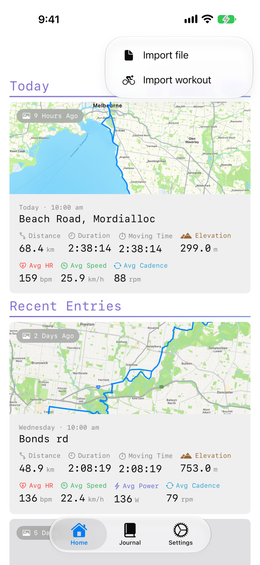
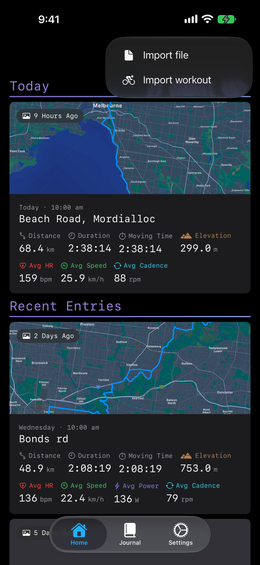
Every entry starts from a ride you have already done, Ride Journal does not record one for you. There are two ways in, both behind the + menu on the home and journal tabs.
From a .fit file
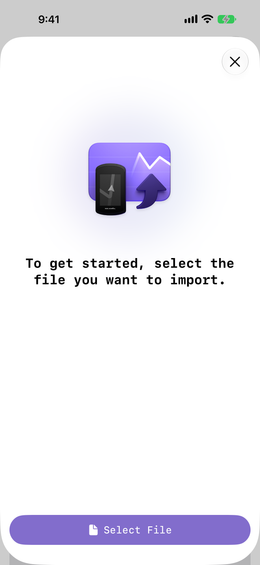
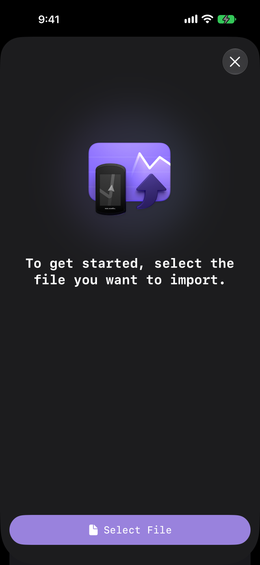
Choose Import file, tap Select File, and the ride opens as a new entry. Most bike computers and cycling apps export .fit.
Two shortcuts worth knowing: on a Mac you can drop a .fit file straight onto the window, and on iPhone or iPad, opening one from Files or another app hands it to Ride Journal without going through the menu at all.
From Apple Health
Choose Import workout to list the cycling workouts already on your device and turn one into an entry — no file needed. This needs the Apple Health permission from the walkthrough.
Either way
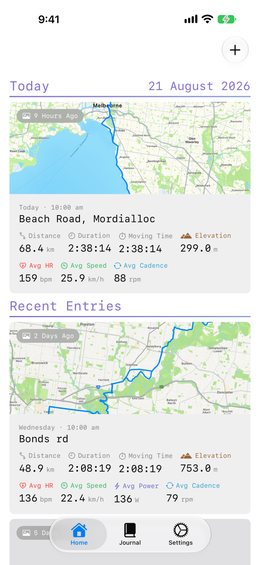
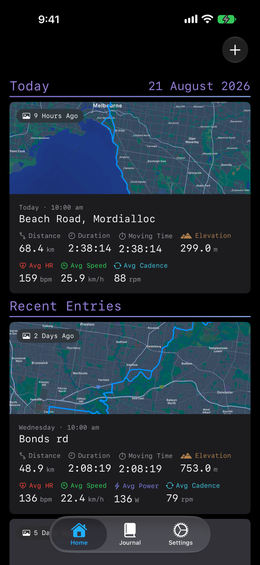
The ride lands in your journal, grouped by when you rode it, and syncs to your other devices over iCloud. Now go and read it.