Getting started
Last updated
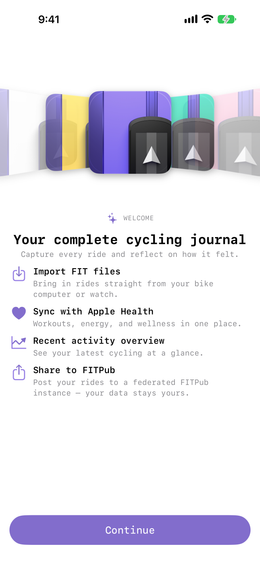
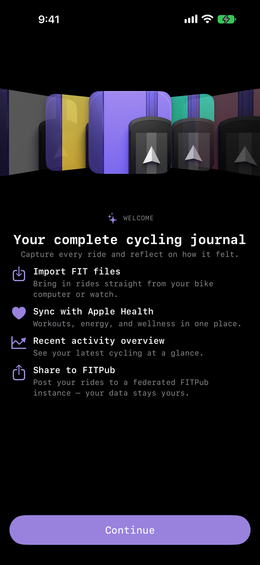
The first time you open Ride Journal it walks through a few short steps, you only see the ones your device actually needs to ask about. Nothing it asks for is compulsory, skip anything you are not sure about and turn it on later in Settings.
The walkthrough
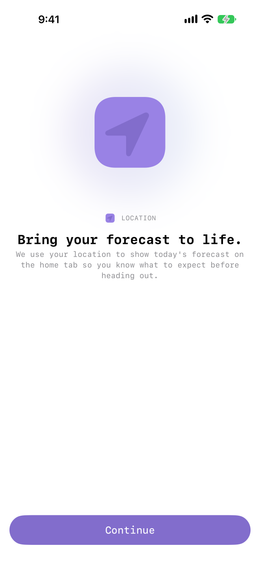
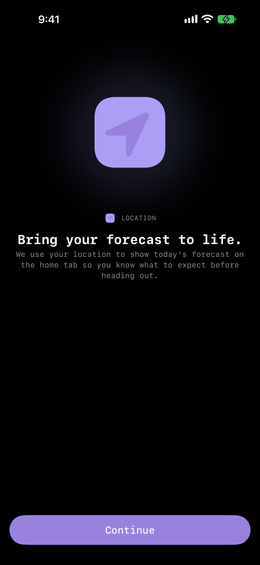
Location is what powers the forecast on your home tab, so you know what to expect before heading out.
Music lets you attach the songs that defined a ride. You may also be asked about Apple Health, which works both ways: it turns cycling workouts you already have into journal entries, and writes your rides back so they count towards your fitness rings.
Where you land
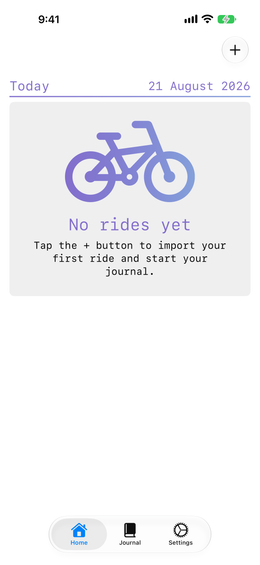
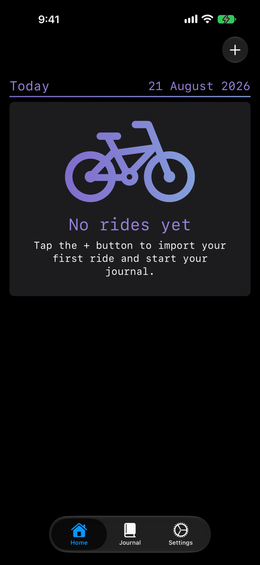
An empty journal. Next: adding a ride.