
Settings and integrations
Last updated
Everything Ride Journal asked for during the walkthrough can be changed here, along with a few things it did not.
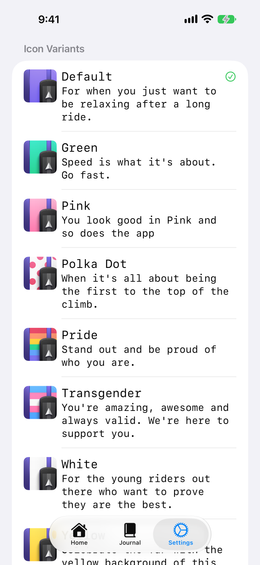
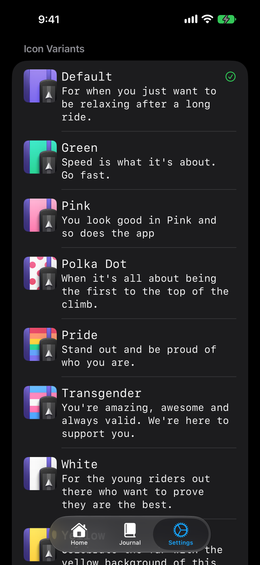
Icon Variants: pick a jersey.
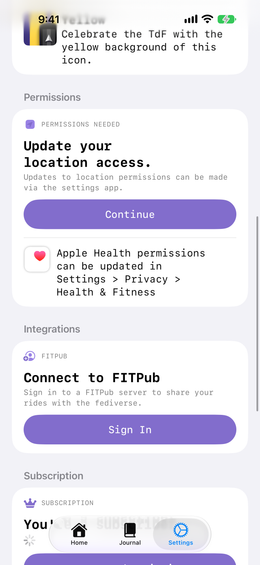
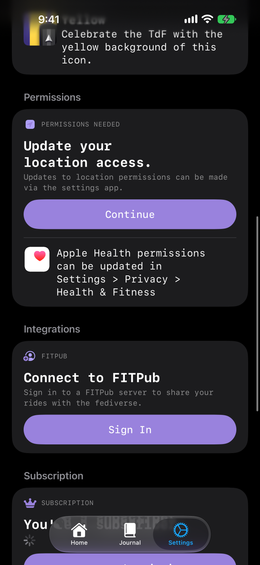
Permissions: location, and your Apple Health connection. Turning Apple Health on here is also what lets Ride Journal write your rides back so they count towards your rings.
FITPub
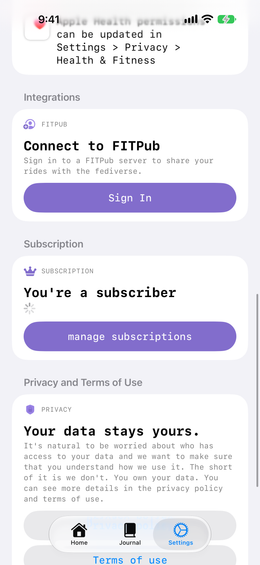
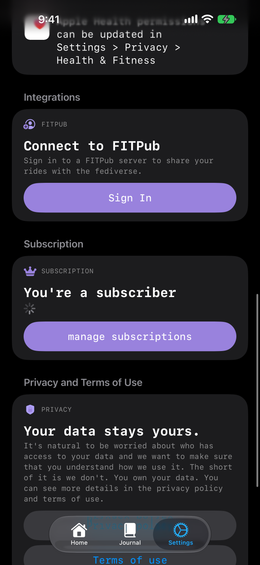
FITPub is how you let other people know how a ride went. Sign in with your server address and account, and a Share button appears on every entry.
Subscription, privacy and terms
Below those: your subscription — see pricing for what the free version includes, links to the privacy policy and terms.
Your journal syncs across every Apple device signed into the same Apple Account, and stays in your own private iCloud database. Anything else, get in touch.