Reading a ride
Last updated
Tap any ride to open its entry. It is one long scroll, and a section only shows up when the ride has something to put in it.
The top
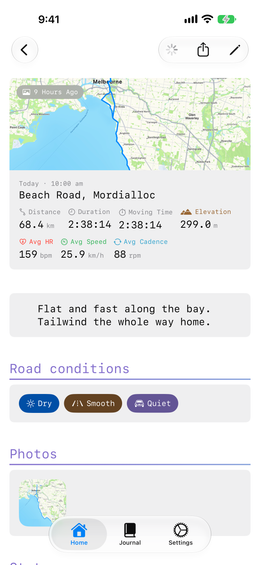
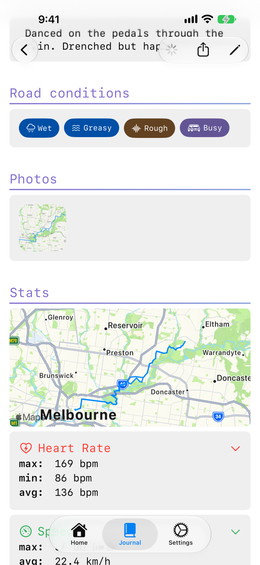
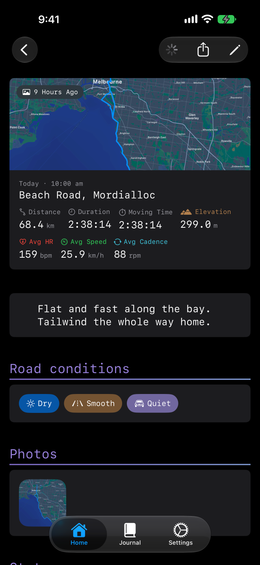
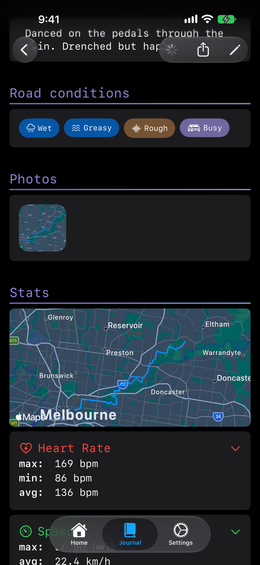
The ride card, then the parts you wrote yourself: your notes, how the ride felt, the road conditions, your photos and your music. All of it comes from the edit sheet.
The numbers
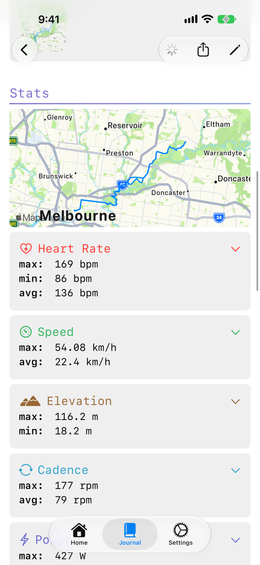
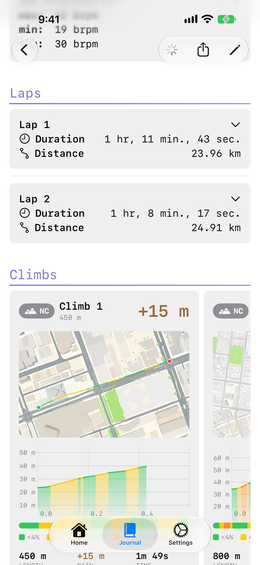
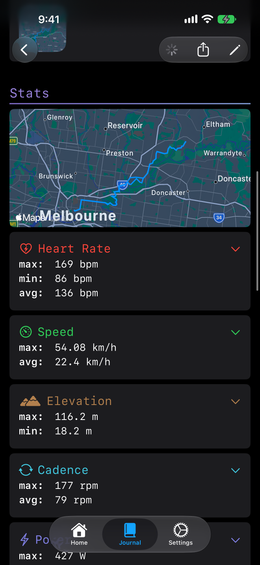
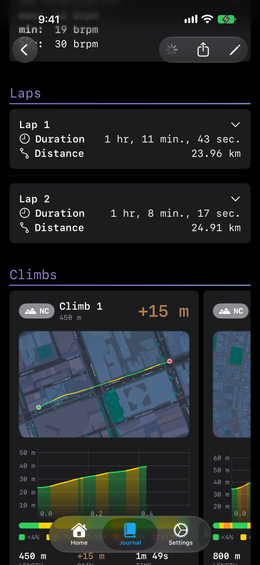
Everything your bike computer recorded — speed, heart rate, power, cadence, elevation, temperature, plus the route, and your laps if the ride has them.
If you ride with a rear radar, there is a section for that too: how many vehicles came past, how fast they were going, and how close they got.
Climbs get a guide of their own.