
Editing an entry
Last updated
A ride is not finished the moment you import it. Tap Edit on any entry and everything you can change is in one place.
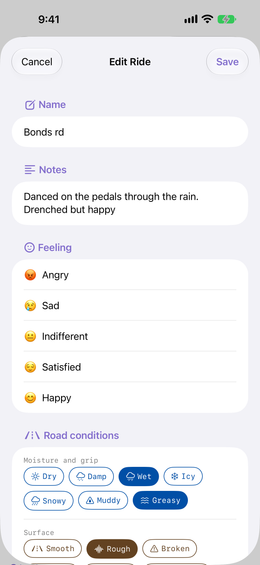
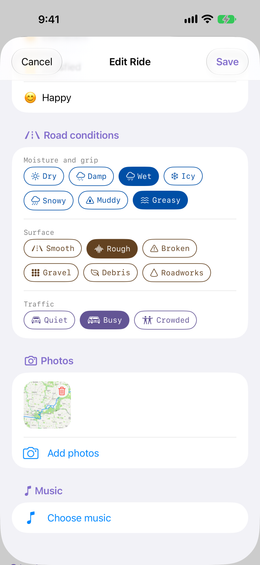
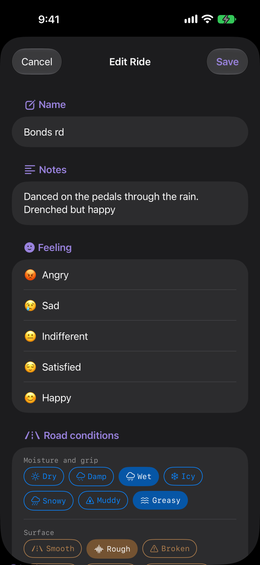
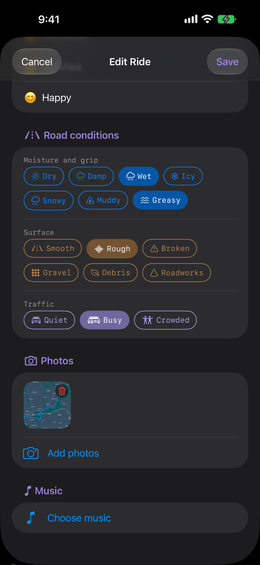
Name it, write your notes, say how it felt, then keep scrolling for photos and music.
Road conditions
Numbers never capture the greasy first corner after the rain, or the gravel somebody tipped across a descent. Tag the ride the way you would describe it to a friend. Tap a tag to add it, tap it again to take it off.
| Moisture and grip | Surface | Traffic |
|---|---|---|
| Dry, Damp, Wet, Icy, Snowy, Muddy, Greasy | Smooth, Rough, Broken, Gravel, Debris, Roadworks | Quiet, Busy, Crowded |
Whatever you pick shows up on the entry as its own card, and you can change your mind about any of it later.