# Adding a ride

https://ridejournal.app/guides/adding-a-ride/
Last updated: 2026-08-21


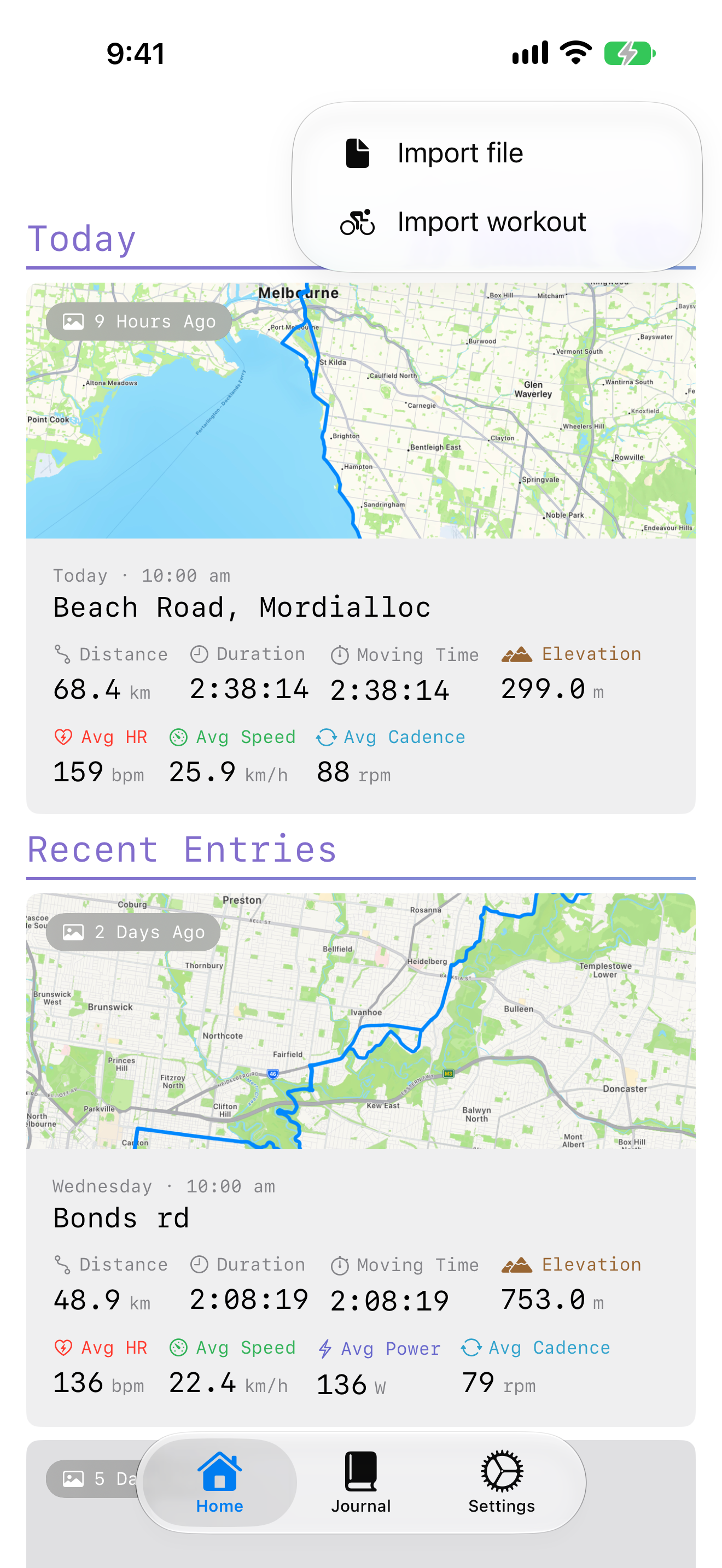
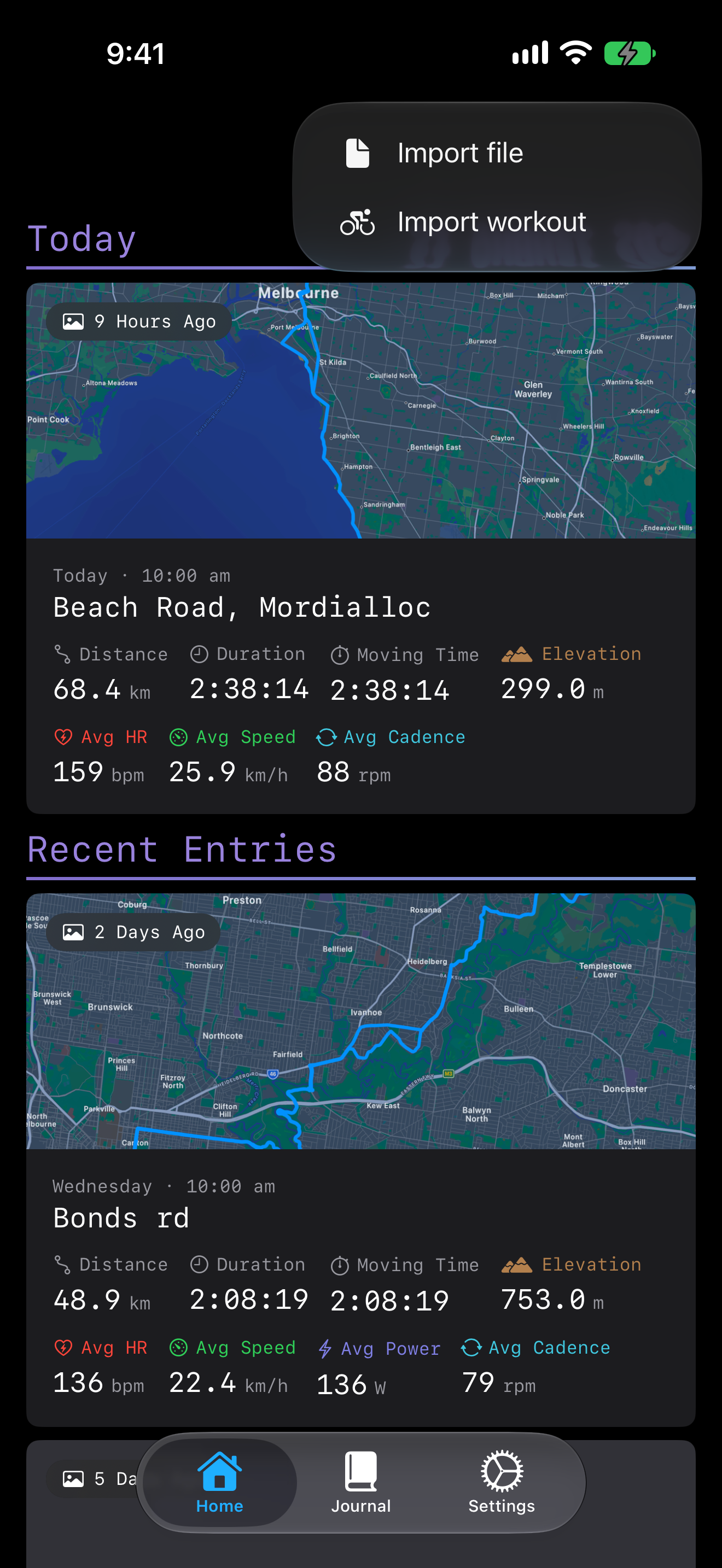
Every entry starts from a ride you have already done, Ride Journal does not record one for you. There are two ways in, both behind the **+** menu on the home and journal tabs.

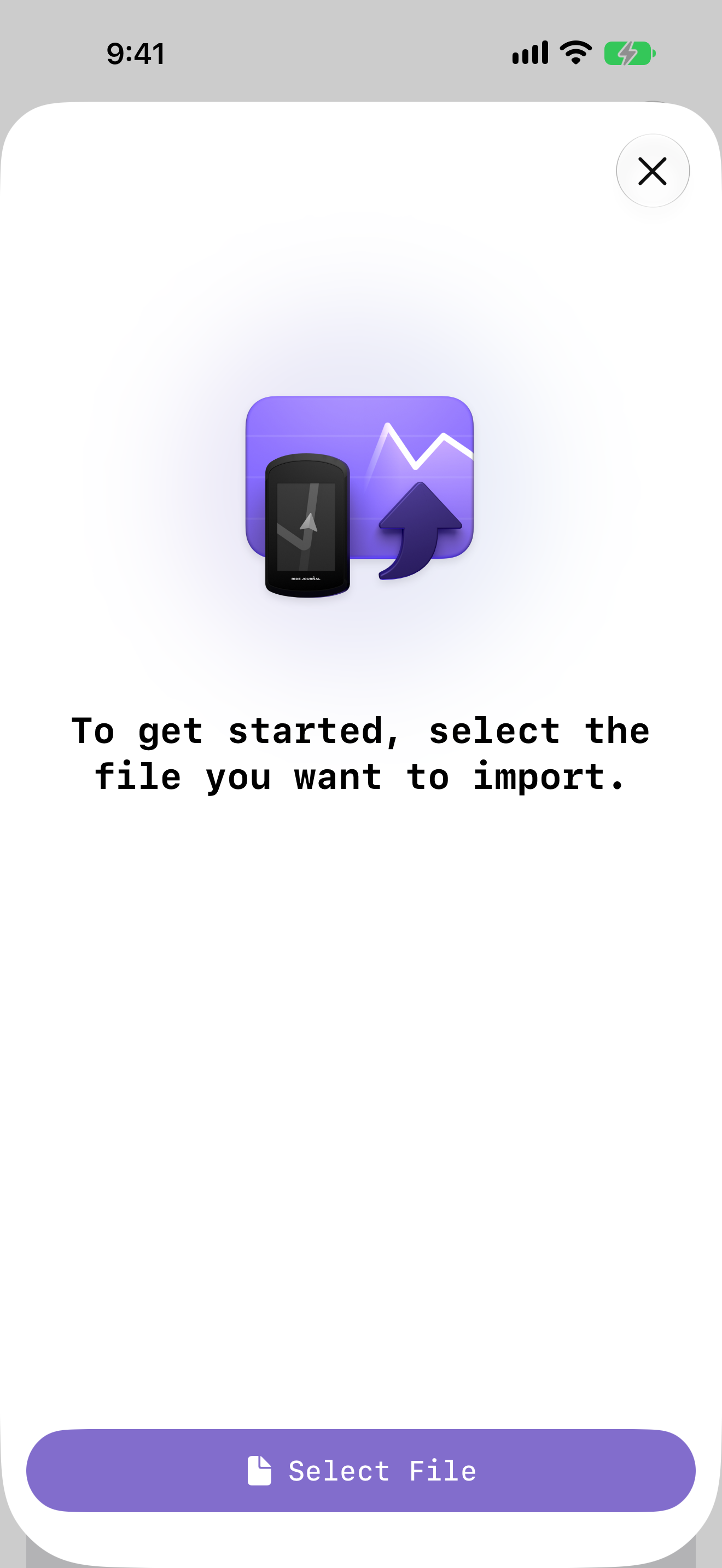
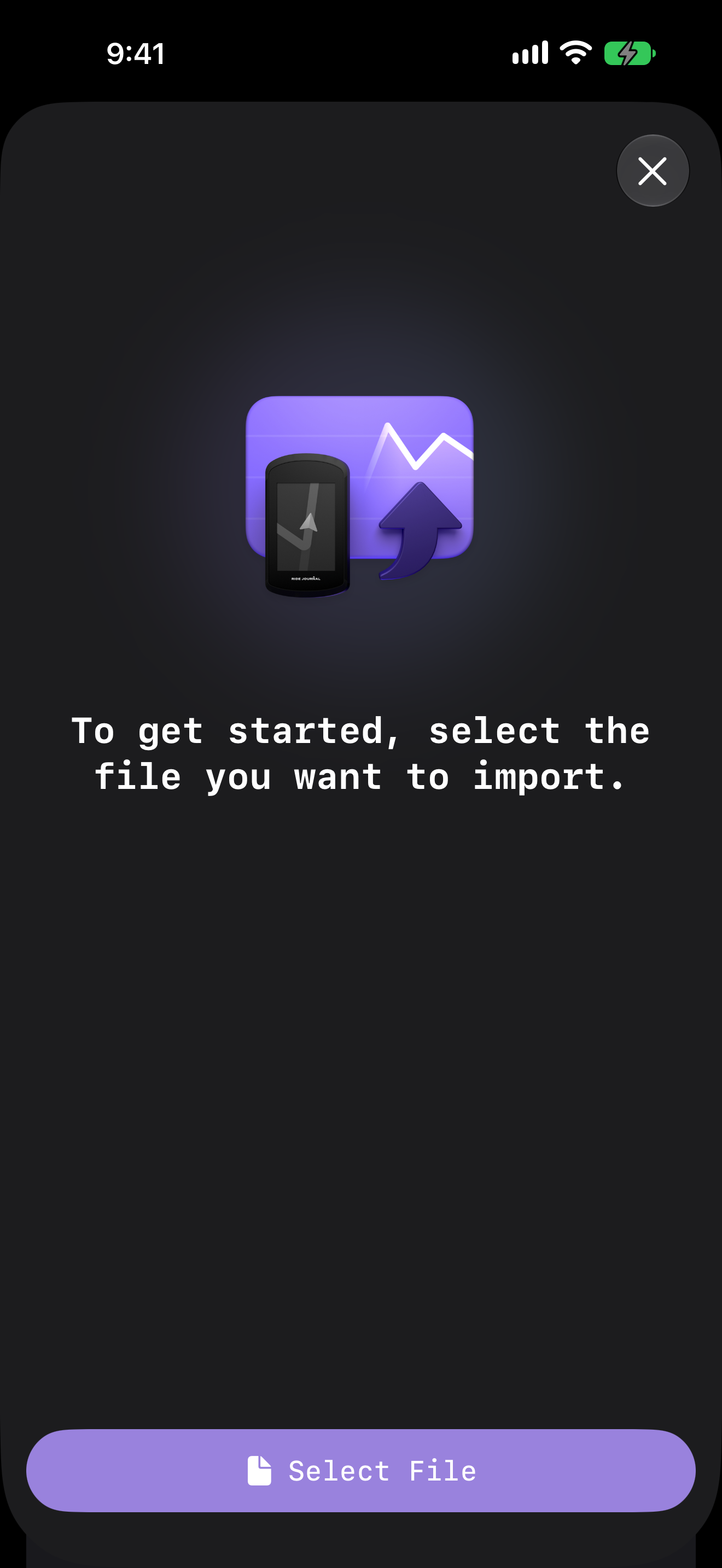
<p class="shot-row"><img eleventy:pictureattr:class="shot shot-light" eleventy:widths="260,520" sizes="260px" src="/assets/guides/light/11-creation-menu.png" alt="The create-entry menu open, offering Import file and Import workout."><img eleventy:pictureattr:class="shot shot-dark" eleventy:widths="260,520" sizes="260px" src="/assets/guides/dark/11-creation-menu.png" alt="" aria-hidden="true"><img eleventy:pictureattr:class="shot shot-light" eleventy:widths="260,520" sizes="260px" src="/assets/guides/light/12-import-fit.png" alt="The import sheet, asking you to select the file you want to import."><img eleventy:pictureattr:class="shot shot-dark" eleventy:widths="260,520" sizes="260px" src="/assets/guides/dark/12-import-fit.png" alt="" aria-hidden="true"></p>

## From a `.fit` file

Choose **Import file**, tap **Select File**, and the ride opens as a new entry. Most bike computers and cycling apps export `.fit`.

Two shortcuts worth knowing: on a Mac you can drop a `.fit` file straight onto the window, and on iPhone or iPad, opening one from Files or another app hands it to Ride Journal without going through the menu at all.

## From Apple Health

Choose **Import workout** to list the cycling workouts already on your device and turn one into an entry — no file needed. This needs the Apple Health permission from the [walkthrough](/guides/getting-started/).

## Either way

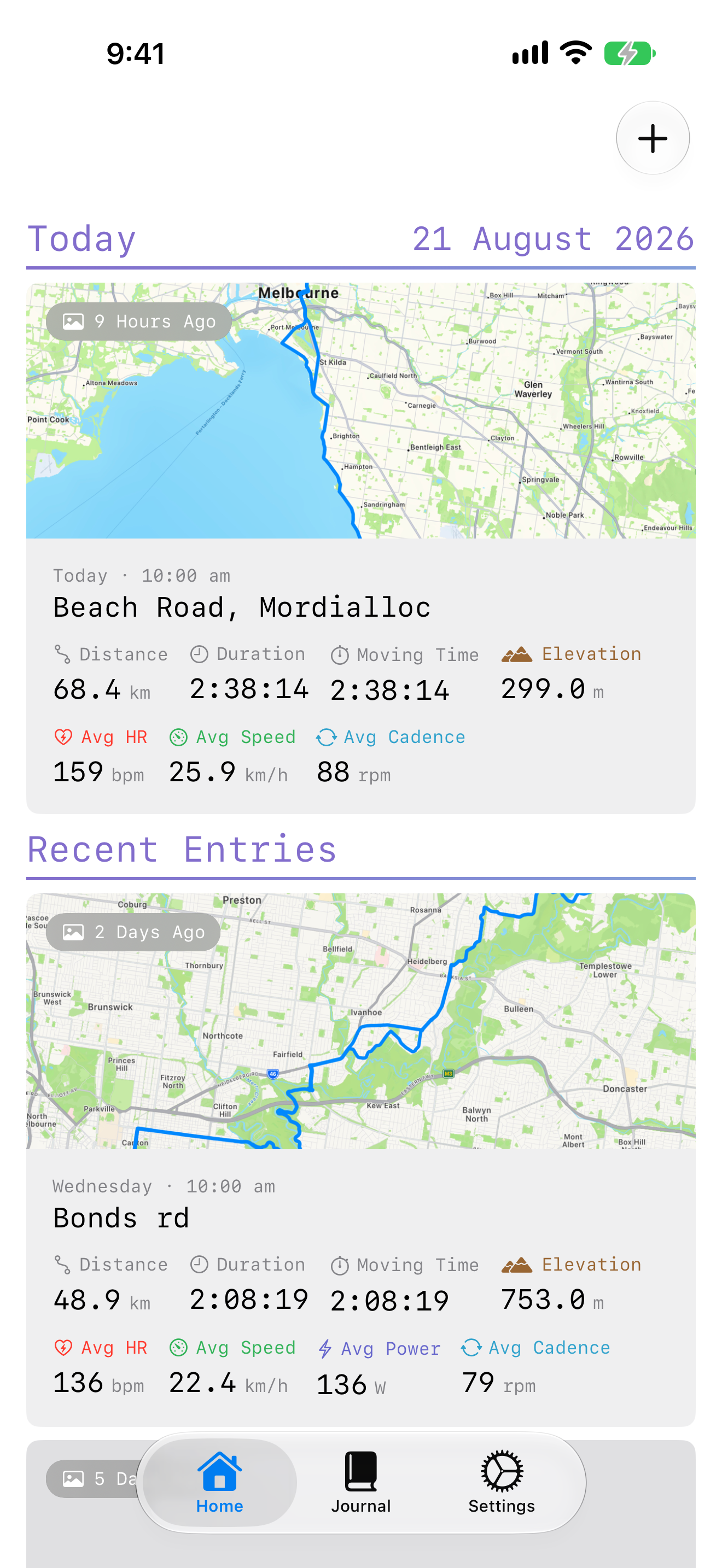
<p class="shot-row"><img eleventy:pictureattr:class="shot shot-light" eleventy:widths="260,520" sizes="260px" src="/assets/guides/light/01-home.png" alt="The home tab showing recent rides as cards, grouped by date."><img eleventy:pictureattr:class="shot shot-dark" eleventy:widths="260,520" sizes="260px" src="/assets/guides/dark/01-home.png" alt="" aria-hidden="true"></p>

The ride lands in your journal, grouped by when you rode it, and syncs to your other devices over iCloud. Now go and [read it](/guides/reading-a-ride/).


---

Ride Journal — https://ridejournal.app/
Site index for language models: https://ridejournal.app/llms.txt